Secure your onchain identity
Social crypto blurs the line between personal brand and digital asset. As a creator, your tokens, community memberships, and onchain reputation are your livelihood. Unlike traditional social media platforms where the company holds the keys, onchain creators manage their own wealth and identity. This freedom comes with a steep responsibility: if you lose access to your private keys, your assets disappear forever. There is no customer support line to reset a password for a decentralized wallet.
This is why hardware wallets are the non-negotiable foundation of any serious onchain strategy. A hardware wallet keeps your private keys offline, isolated from the constant threats of phishing sites, malware, and exchange hacks. When you interact with social tokens or mint creator NFTs, you are signing transactions that move real value. Doing this from a computer connected to the internet leaves you exposed to keyloggers and browser-based exploits.
Think of your hardware wallet as a physical vault for your digital reputation. It allows you to sign transactions securely without ever exposing the underlying keys to the device you use to browse the web. For creators, this security is not just about protecting funds; it is about protecting the integrity of your brand. A compromised account can lead to stolen assets, damaged trust, and the loss of your community’s faith.
By adopting a hardware wallet, you shift from being a passive user to a secure, self-sovereign creator. This is the first step in building a resilient onchain presence that can withstand the high-stakes environment of social crypto.
Top hardware wallets for creators
When you are managing onchain assets that represent your brand or community, a hardware wallet is your primary line of defense. Unlike software wallets that live on your phone or browser, these devices store your private keys offline, keeping them safe from online hacks and phishing attempts. For creators, this means your social tokens and ERC-20 assets remain secure even if your computer is compromised.
Choosing the right device comes down to balancing ease of use with robust security features. You need a wallet that supports the specific tokens you issue or hold, offers a clear interface for non-technical users, and integrates smoothly with the dApps your community uses. Below are the most reliable options for creators who prioritize security without sacrificing usability.
Ledger Nano X
The Ledger Nano X is a popular choice for creators who need mobility. It connects via Bluetooth to your phone or desktop, allowing you to manage your social tokens on the go. The device supports over 5,500 cryptocurrencies and integrates with Ledger Live, a user-friendly desktop and mobile app that makes tracking your portfolio straightforward. Its secure chip ensures your keys never leave the device, providing a high level of protection for your onchain identity.
Trezor Model T
Trezor offers a sleek, touchscreen interface that simplifies the signing process for transactions. The Model T supports ERC-20 tokens natively, which is essential for creators issuing community tokens. Its open-source firmware allows for transparency, giving you confidence in the security architecture. While it lacks Bluetooth, its wired connection provides a stable and secure link to your computer, ideal for creators who manage their assets from a desktop setup.
KeepKey
KeepKey is known for its large screen, which displays transaction details clearly to prevent errors. This feature is particularly useful for creators reviewing complex smart contract interactions or token transfers. The device supports a wide range of cryptocurrencies and integrates with popular wallets like Trezor Suite and third-party options. Its simple design and robust security make it a solid option for those who prefer a no-frills, reliable hardware solution.
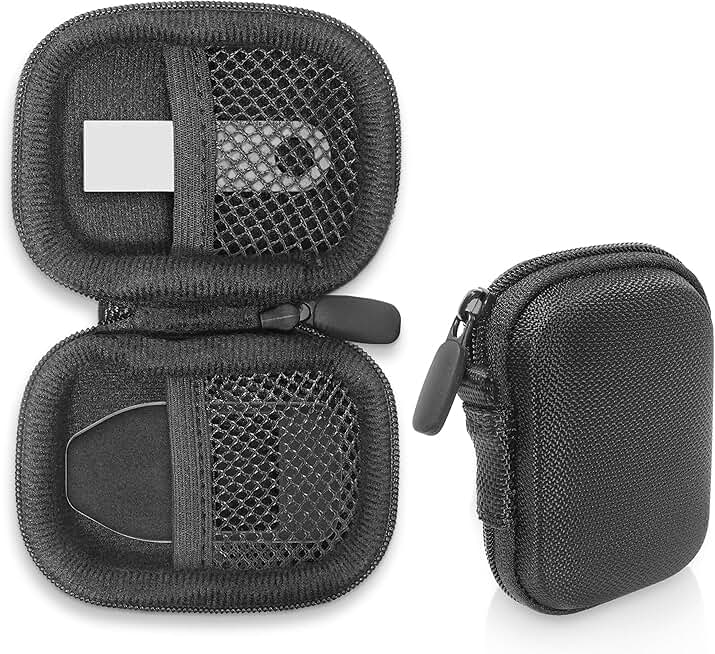


As an Amazon Associate, we may earn from qualifying purchases.
Compare features for social tokens
Social Crypto works best as a clear sequence: define the constraint, compare the realistic options, test the tradeoff, and choose the path with the fewest hidden costs. That order keeps the advice usable instead of decorative. After each step, pause long enough to check whether the recommendation still fits the reader's actual situation. If it depends on perfect timing, unusual access, or a best-case budget, include a simpler fallback.
| Factor | What to check | Why it matters |
|---|---|---|
| Fit | Match the option to the primary use case. | A good deal still fails if it does not fit the job. |
| Condition | Verify age, wear, and service history. | Hidden condition issues erase upfront savings. |
| Cost | Compare purchase price with likely upkeep. | The cheapest option is not always the lowest-cost option. |
Set up your wallet safely
Your hardware wallet is only as secure as the way you handle it. Think of your seed phrase—the 12 to 24 words that unlock your assets—as the master key to a vault. If you lose it, your funds are gone forever. If someone else gets it, they own your life’s work. For onchain creators, this isn’t just about money; it’s about protecting your reputation and your audience’s trust.
Follow these steps to secure your device from day one. Do not skip any of them.
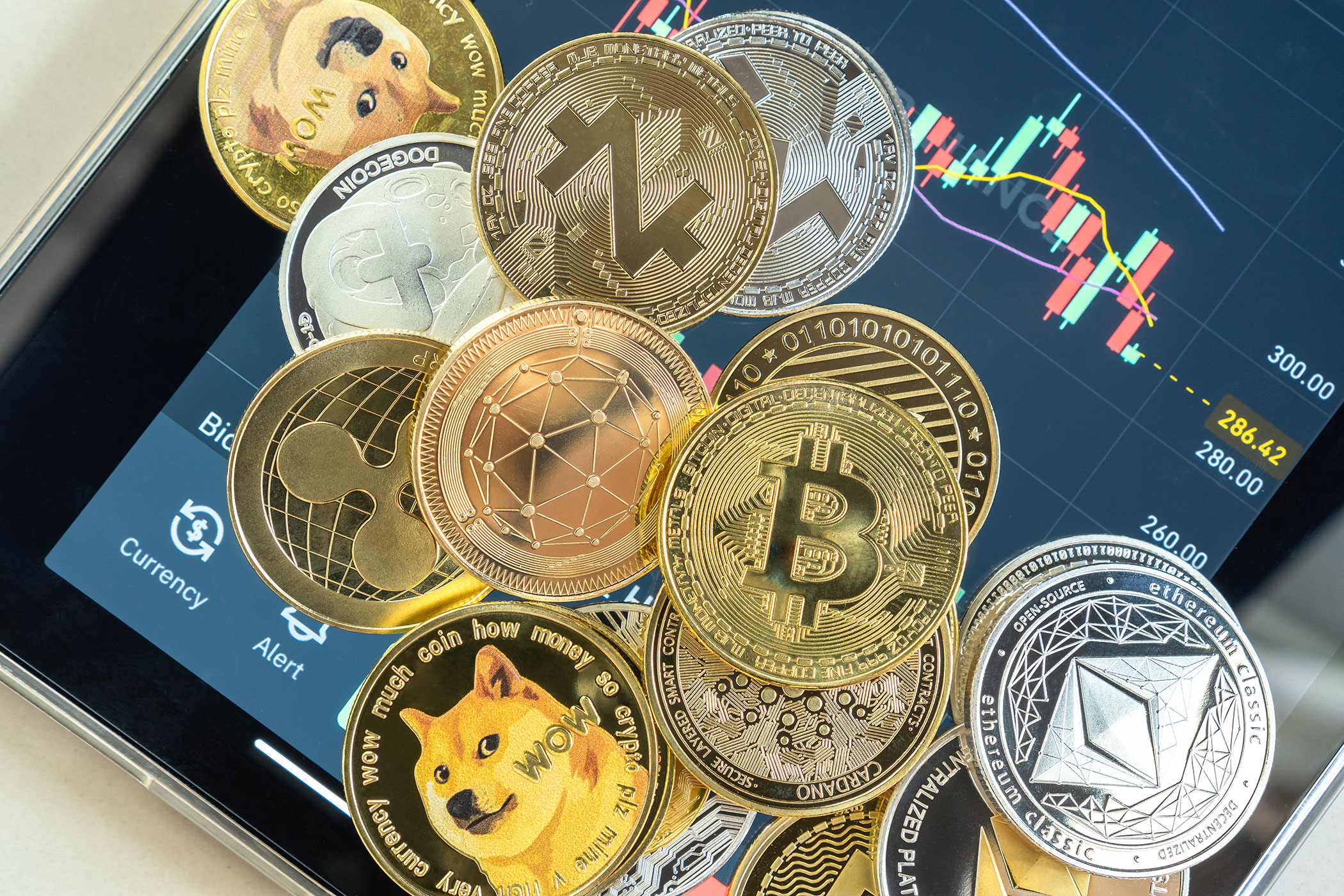
Unbox your wallet on a clean, malware-free computer or mobile device. Never connect it to a public Wi-Fi network or a computer used for gaming or browsing sketchy sites. Treat the initial connection like a sterile lab environment: keep it controlled and quiet.

Before you do anything, check the device’s serial number against the manufacturer’s official website. Then, initiate a factory reset if the device isn’t brand new or if there’s any doubt about its history. You want a fresh start, not a potential backdoor.

Create a new seed phrase directly on the device. Never type these words into a computer, phone, or cloud note app. Write them down on the provided seed card or high-quality paper. If the device offers a recovery method that involves digital storage, decline it. Paper is the only safe digital-free option.

Store your written seed phrase in a fireproof safe or a secure physical location. Consider splitting it using a sharding method if you have high-value assets. Never photograph it, email it to yourself, or store it in a password manager. The goal is to make it impossible for hackers to access it remotely.
Before moving your entire portfolio, send a tiny amount of cryptocurrency to your new wallet address. Verify that you can see it in your wallet app and, crucially, that you can send it back out. This confirms your setup is correct and your seed phrase works.
No comments yet. Be the first to share your thoughts!